Reverse Audio Online
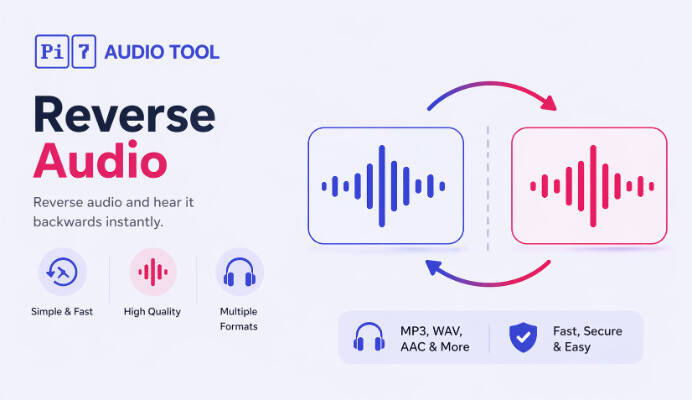
Pi7 Audio Tool - Flip any audio clip backwards with one click, right in your browser.
Want to play a song or voice clip backwards without installing any software? Pi7 Audio Reverser lets you reverse audio online free, entirely inside your browser.
Whether you are hunting for hidden messages in a song, creating a reverse voice effect for a video, or just experimenting with sound, this tool flips your audio in seconds and hands back a clean download.
How to Reverse Audio in 3 Easy Steps
- Select or drop your audio or video file
- Pick the output format (MP3, WAV, M4A, OGG, FLAC)
- Click Reverse Audio and download the result
That is it. No signup, no waiting, and no files uploaded to any server.
Supported Input Formats
The reverser accepts every common audio and video container:
- Audio: MP3, WAV, AAC, M4A, OGG, FLAC, OPUS, AIFF, CAF
- Video: MP4, MKV, MOV, WEBM, AVI (audio track is extracted and reversed)
Why Choose Pi7 Audio Reverser
- 100% Browser-Based: The reversal runs locally using FFmpeg compiled to WebAssembly. Your file never leaves your device.
- Fast and Lossless When You Want It: Pick WAV or FLAC to keep every bit of the original quality after reversing.
- Works With Video Too: Drop an MP4 and Pi7 will pull out the audio track, reverse it, and export the chosen format.
- No Signup, No Watermark: Reverse as many files as you like, any time, with no account required.
- Runs on Any Device: Desktop, laptop, tablet, and mobile browsers on Windows, macOS, Linux, iOS and Android.
Popular Use Cases
- Check songs for reverse messages and hidden lyrics
- Create reverse voice effects for videos, reels, and shorts
- Build sound effects for games, films, and podcasts
- Generate reverse cymbals and sweeps for music production
- Make fun prank clips from voice notes
- Study speech and pronunciation in reverse
Is It Safe to Reverse Audio Here?
Yes. Everything happens inside your browser using WebAssembly. Your audio or video is never uploaded to any server, which makes Pi7 Audio Tool one of the most private ways to reverse sound online.
Does Reversing Audio Reduce the Quality?
No. Reversing simply plays the samples back in the opposite order. If you choose WAV or FLAC output, the reversed file is bit-identical in quality. MP3, M4A, and OGG go through a re-encode, so quality depends on your chosen bitrate but stays very close to the original.
Start Reversing Audio Now
Upload your clip, pick your output format, and grab the reversed file in seconds. To reverse just a section, trim it first with the audio cutter. To loop the reversed clip into a longer track, use the audio looper. To shift the pitch of the reversed result, the audio pitch changer takes it further. Fast, free, and fully private - only in Pi7 Audio Tool.